


How To Transfer 8mm Film To Digital
- Digital Video & Film Lab,

- Feb 24, 2019
- 3 min read


The super 8 video format is a format that emerged in the 60s, owes its name to the width of the film measures 8mm. In the beginning of the use of video was the most commonly used format and in this format, many movies were recorded. However, with the passage of time when the step was taken to other higher recording formats, this format fell into disuse.
The problem arises when you have videos recorded in this format that nowadays you cannot reproduce or modify. The advancement of technology has made it possible for transferring 8mm film to digital formats.
In fact, if you have Super8 videos and you need to record them in a more current format it is possible, you can enjoy with your old videos and family recordings recorded at the time.
In order to convert your videos and recordings from a Super8 format to a DVD format you need to do two fundamental steps: first, convert 8mm film to digital format and secondly, convert super8 to DVD. In this article, we want to help you in this process, and therefore we will offer you a detailed description of the steps you have to take to get your videos in digital format and easily convertible to DVD or USB.
Transferring 8mm Film To Digital
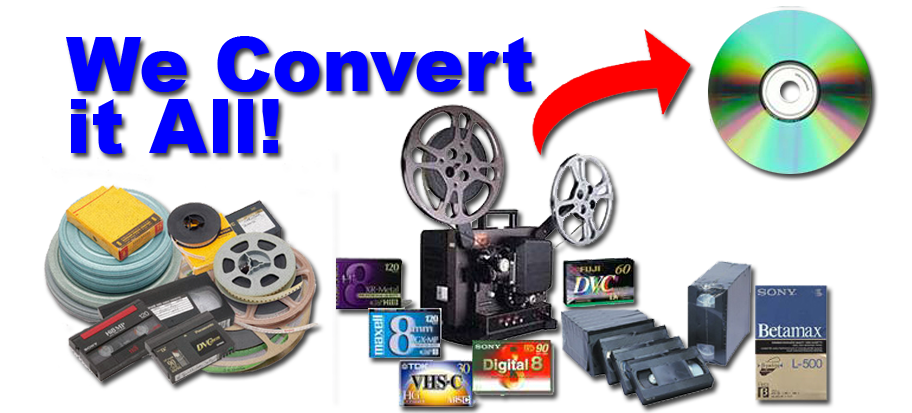
If you have already taken the step of generating your 8mm film in digital format we will explain the steps you will have to take to record that information on a DVD. This process is very simple; the most important thing you have to keep in mind is to have a DVD recording system.
The process of recording the digital file to DVD is done in several steps that we explain below:
· Run the recording software on your computer and select import file. You will have to choose the file that corresponds to your super8 recording and give it to import. In some programs, instead of importing, it will be enough to drag the file to the open window of the program.
· Once in the software you can open an editing window where you will surely have the opportunity to configure the video you are going to create. In most of the programs you have the option of selecting the type of menu you want for your DVD, the output form.
· When you have made all the necessary settings of how you want your DVD to be displayed, it is time to save all this information and prepare to make the recording.
· Before recording you will have the possibility to preview your DVD, so you can check how it will be recorded once and if something you do not like or is wrong you can make the appropriate modifications.
· In addition, having transferring 8mm film to digital format will offer you important advantages as it will allow you to store the information for much longer. In addition, digital files you can record as many times as you want and in the devices and formats you need. In this way, it will be easy to see them and enjoy them in many ways and at any time.
On the other hand, if you don’t want to do yourself, you can also take services from video converter experts such as Preservetodvd Los Angeles based Digital Video & Film Lab for transferring 8 mm film to digital formats. If you want to transfer 8 mm films to digital formats, they can make it real. They are a technology company with an extensive experience in the market, they have thousands of satisfied customers who support them and they also offer total security and privacy when handling your 8 mm videos . If what you are looking for is maximum quality, what you need is professionals to pass 8 mm films to DVD , so they will offer you total satisfaction guarantee
Comments